OpenZhenZhen AI 提示词画廊 · Claude Opus 5.5 · video
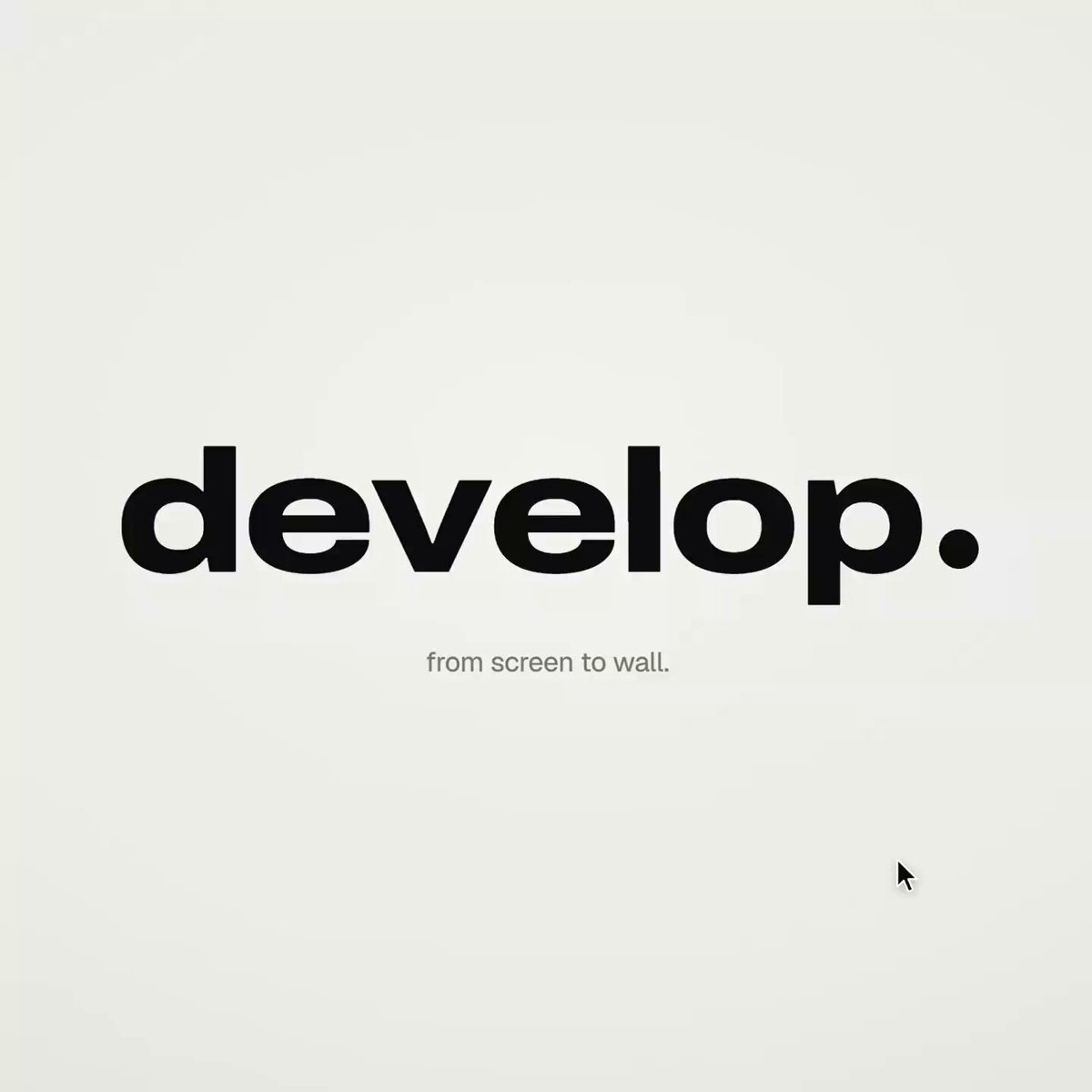
Apple-keynote style launch film
Creator used Opus 5.5 with a detailed structured code prompt to generate an Apple-keynote-style launch video entirely with HTML/CSS/JS and no external tools.
提示词 / Prompt
English prompt
<inputs> Ask me for: a one-word brand name for the wordmark (a verb works best), 9 to 12 high-res photos, a royalty-free track around 120 BPM with a drop and a quiet breakdown (Mixkit, free for commercial use), and a free stock clip of a plain wall with moving plant shadows (Pexels). </inputs> <direction> An Apple-keynote-style launch film, 2D only, in one continuous take. Each scene grows out of the last: no fades, blurs or cuts. Objects transform instead. Text rises from a mask line, icons spring up from zero, bars draw across the screen, pages push forward, and a black shape fills the frame before shrinking into the next scene. Use a warm off-white canvas, black UI and iOS 26 liquid glass over the photos. Archivo (wdth 125, weight 800) for the wordmark, Geist for the UI. A cursor triggers every change with actual clicks, drags and long-presses. Zoom the camera screen-studio style so each moment fills the square, and scale the cursor with it. Banned: crossfades, blur-ins, brightness "developing", 3D flips, particles, glows, holds longer than 1s, anything that feels like a template. </direction> <structure> 120 BPM, 54 beats, with something happening on every beat. Open: the wordmark compresses into its own period like an accordion. The dot expands into a black pill, and a label rises inside it. Click: six iris blades close over the label, then snap open onto a photo. The circle turns into a square and shrinks. A grid unfolds behind it like a paper map (center, plus, corners), rearranges into a bento, and a click zooms into one tile, landing right on the drop. Glass: a glass word appears letter by letter, then melts into a droplet that stretches into a glass toolbar. The adjust icon turns it into a slider. Dragging changes the photo lighting from day to golden hour (two aligned shots), while the held knob becomes a glass lens. It rises into a glass orb, the next photo opens inside it as a circle, and the orb grows into a lock screen with glass clock digits, a date and a home bar that stretches into a glass music player. Stage: the lock screen pulls back to reveal a phone, with the bezel growing from the screen edge. The Dynamic Island stretches like liquid, pinches off, flies across and expands into a Mac window that rolls up like a blind. Long-press the wallpaper and drag it onto a Safari tab. The page pushes in; when you drop the image, it becomes the hero of a landing page. Scroll: the hero transforms into a framed print on a product card, with the mat and molding growing from the photo's edge. Choose a frame color (it paints across) and a size, then the nav button flies down and becomes "Order print". Order: one black shape keeps changing: Ordered ✓ → Printing % → On its way (a van on a route) → Delivered ✓. Wall: the delivered circle expands until black fills the frame, holds for one beat, then shrinks into the framed print hanging in the real wall footage. The same iris opens onto the print and closes again. The frame fills the screen, contracts into the pill → the dot → the letters spring back out on the returning beat. Last frame = first frame. </structure> <build> 1. One HTML file, square 1440x1440. Compute every style from time inside an async seek(t): no CSS transitions, timers or state carried between frames. 2. Use closed-form step responses for springs. When a value has multiple targets, add one spring per change so it remains a pure function of time. 3. Liquid glass: each glass element keeps its own clone of the scene behind it. Filter that clone with an SVG feImage displacement map (a rounded-rect distance field) through three feDisplacementMaps at slightly different scales for chromatic edges, then add a rim light. For glass letters, use a canvas distance field per glyph to create the map, mask and highlights. 4. Goo: apply blur and an alpha threshold, then composite the source on top so the glass stays sharp inside. 5. Iris: place 6 blades around a hexagonal aperture. Each blade uses its two vertices, both edge extensions and the SHORT arc between them. 6. Wordmark squeeze: move every letter toward the dot by the same factor and adjust its drawn width to match (narrow the wdth axis, scale the rest), keeping the letters in contact. 7. Footage: re-encode it all-intra (ffmpeg -g 1), load it as a blob URL and await "seeked" before drawing each frame. 8. Sound: use a downloaded SFX for every event (Mixkit), never synthesized, and position each by its measured peak. Start the song on a downbeat: land the zoom on the drop, place the wall in the breakdown and bring back the wordmark with the beat. Loudnorm to -14 LUFS. 9. Render with Playwright: blend 4 subframes per frame using ffmpeg tmix at 60fps. Check one frame per beat, then look for single-frame pops (frame-difference spikes 3x higher than their neighbours). </build> <gotchas> backdrop-filter: url() misreads displacement maps in Chromium, so clone the scene instead. A flood needs to extend beyond the corners and take about 0.3s; otherwise, half the screen changes in a single frame. A child set to visibility: visible can show through a hidden parent, so use inherit. Text swapping inside a morphing shape needs its own mask. python http.server can't range-seek video, so use the blob URL. </gotchas> <start> Ask me for the inputs, then show me the beat map and 4 stills (open, glass, stage, wall) before writing the full film. </start>
主题与风格
探索更多图片和视频提示词 · 生成图片 · 生成视频 · 在 AI 画布中创作
相关作品
- 霓虹雨夜星河婚礼
生成一段15秒、9:16竖屏、4K写实电影质感视频。使用所提供的身份参考图确定成年新娘的外貌,同时保留服装描述:高级闪钻鱼尾婚纱。成年新郎身穿深色丝绒西装。场景是雨夜奢华都市天台,赛博朋克霓虹与浪漫气氛结合。0–4秒:高位俯拍,镜头缓缓下降,黑色柏油路与积水如镜面反射模糊的城市霓虹。两人在画面中央撑透明雨伞漫步,带有克制的复古电影抽帧感。5–9秒:镜头围绕两人缓慢360度环绕。展现新娘精致的鹅蛋脸、自然眉、冷艳的狐狸眼、高鼻梁和微张红唇;展现新郎分明的下颌线、浓眉、明亮眼眸与深邃眼神。细小雨滴以极慢速度落下。他把雨伞倾向新娘,自己的半边肩膀被微雨打湿。身后的霓虹绽放成巨大的彩色散景。10–15
- 城堡烟火与鼓阵终章
生成一段20秒、16:9的真人电影感画面。夜晚,在卢瓦尔河谷一座灯光照亮的中世纪山顶城堡下方,草坪上的历史服饰鼓手同步敲击高举的大型战鼓。烟火表演进入终章,城堡垛口连续升起红、金、白色交叠的烟火齐射,勾勒塔楼与城垛轮廓,温暖的橙光穿透缓缓飘散的烟雾。采用温暖火炬光和轻微变形宽银幕光晕,呈现真实的烟火照明,并在静止护城河水面上表现细致倒影。成千上万的观众举起手机、挥臂欢呼。镜头以大幅度、中等速度围绕鼓阵进行弧形运动,逐步展示完整城堡立面、垛口、人群、烟雾、火花与护城河。全程保持连贯自然的运动、电影级真人写实质感、清晰的环境细节和盛大庆典终章氛围。
- 极简奇幻戒指面孔图标
生成一段20秒、16:9的动画,画面中心是一个嵌在华丽暗黑奇幻戒指中的极简矢量面孔图标。采用干净的几何轮廓、克制的黑色、炭灰色、古金色与柔和象牙色,配合细微氛围渐变、精确对称构图和高画质插画质感。开头让戒指轮廓从柔和的中性背景中逐渐显现,随后揭示抽象面部特征与内部徽记,最后以缓慢优雅的镜头推进、柔和全局光照、受控轮廓光和轻微漂浮粒子收束。保持图标清晰简洁,矢量边缘平滑,动作克制,呈现精致的电影感效果。不要文字、标志、水印、可识别的受版权保护角色、艺术家风格仿制或音频。
- 命运棋局
生成一段 20 秒、16:9 的奇幻插画风格动画。一块宏伟的棋盘如同战场般延展开来,黑白相间的棋格沐浴在戏剧性的电影光线中。棋子仿佛拥有意志与生命:兵如身披铠甲的步兵般严阵以待,象如庄严的秘术师,马蕴含着野兽般的力量与紧张感,国王与王后则以威严统御棋盘。微弱的魔法光辉在棋子周围聚集,暗示这场对弈由命运驱动,并隐约预示公开冲突即将爆发。采用丰富的绘画质感,营造传奇而迷人的氛围,镜头围绕棋盘缓慢、连续地向左环绕。逐渐积累紧张感,仿佛下一步棋就会唤醒整片战场。
- 雪峰城堡上的欧洲巨龙
生成一段20秒、9:16竖屏的电影感视频,采用中世纪奇幻油画风格,并呈现逼真生动的细节。一条欧洲巨龙栖息在高耸的积雪山峰之巅,塑造成受《龙与地下城》启发的奇幻角色。山峰及周围山体间环绕着气势恢宏、部分嵌入群山的砖砌城堡要塞。使用戏剧性的高山光线、随风飘落的雪花、浓郁的油画肌理、细致的鳞片、斑驳的砖石和富有层次的大气透视,营造庄严宏伟的氛围。镜头从广角建立镜头开始,随后缓慢而轻微地推进至巨龙,同时雪花飘过画面;全程保持巨龙与城堡清晰且外观连贯。不要文字、标志、流行度相关描述、源视频或音频输入。
- 灰色连帽衫的装甲变形
制作一段20秒、16:9画幅的电影感变形场景。一名身穿素灰色连帽衫的人物坐在椅子上,周围是完全漆黑的房间。开场紧贴一侧肩膀的特写:坚硬的装甲板从连帽衫布料下方清晰浮现,向外顶出,袖臂处的缝线随之裂开。每个装甲片以精准的机械动作旋转对齐,并与下一个部件锁合。椅子向后刮擦,人物随即挺直站到全高。短暂保持肩部细节后,镜头快速拉远,展现人物完成后的装甲轮廓与黑暗房间。唯一光源是一盏头顶的冷色工作灯,形成生硬、定向的阴影,其余区域全部沉入黑暗。保持真实的布料形变、可见的装甲关节运动、清晰的锁定节点、受控节奏和戏剧化工业质感。声音设计包括布料撕裂声、干脆的机械咔嗒声、椅子划过地面的摩擦声,以及一口持续的长